
HEIF, JPEG, or ProRAW on iPhone 18 Pro: choosing the format based on intended use
The photo format affects how images are saved, edited, and shared after shooting. The iPhone 18 Pro supports HEIF, JPEG, and DNG, and includes ProRAW for specific needs. Instead of always choosing the option that creates the largest file, users can start with a simple question: will the photo be sent immediately, edited thoroughly, or saved for various future purposes?
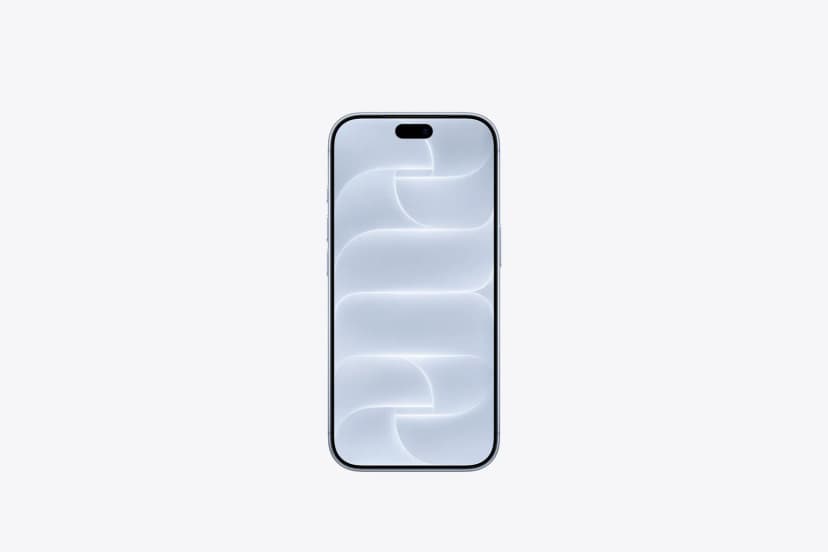
Front view of the Desert Titanium iPhone 18 Pro.
Photos for sharing should be convenient for the recipient
When looking at iPhone 18 Pro supporting ProRAW, buyers should still consider instances when ordinary photo sharing suffices. JPEG is widely supported across many devices and software, while HEIF focuses on efficient photo storage. File opening capabilities depend on the receiving app and usage environment. For a specific task, check the accepted format before sending an entire batch.
Format conversion cannot add details that were never in the original photo. If a file has been downscaled too much during sharing, renaming or converting to another format will not restore its initial quality. For photos that need printing or handing over to others for editing, ensure a consistent way of sending quality files. A test with a few files helps detect compatibility issues before bulk processing.
ProRAW makes sense when you spend time editing photos
ProRAW unlocks additional adjustment capabilities for those who want to work closely with images. In return, the workflow usually requires more attention to software, storage capacity, and final export methods. Not every photo needs that level of flexibility. For quick memory captures, a properly processed version can be more convenient. Choose ProRAW for scenes with clear editing purposes and keep originals carefully.
A20 Pro handles on-device processing tasks when viewing or editing photos. However, processing time and file export speed depend on the app, photo size, and current workload. You can build a small workflow: select the images to keep, edit the chosen ones, and export files appropriate for the destination. This approach reduces creating multiple versions where the final result is unclear.
A20 Pro chip in product image.
Set storage rules before your photo library grows
Those who store both original photos and multiple edited versions should organize by project or capture date. The name and location of the exported version should be easily distinguishable from the unedited version. If there are additional backups outside the phone, confirm files are fully transferred before deleting items on the device. Keeping versions with clear purposes makes the photo library easy to manage and saves time when searching.
Among the iPhone 18 product line, storage capacity selection should be based on your existing data volume and actual shooting rhythm. Someone processing a few photo sets per month has different needs from someone recording video daily for work. Additional storage costs should also be factored into the purchase budget. A balanced approach helps avoid constantly having to clear storage right when you need to finish a photo set.
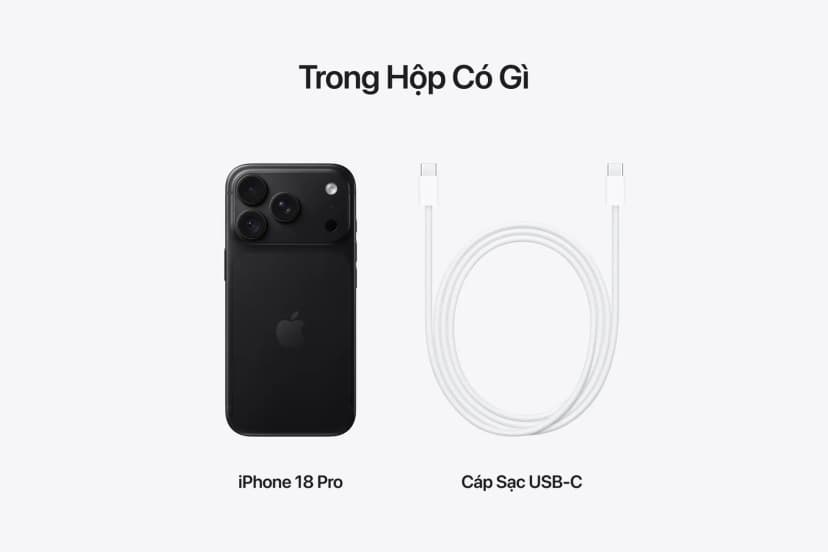
Device and USB-C cable in the box.
Customers interested in high-quality photos can refer to genuine iPhone 18 Pro at Hoang Ha Mobile and discuss how to store, edit, or share images. Stating usage habits clearly helps make a more justified capacity choice than simply picking by initial price. Before ordering, you should confirm the device color, delivery time, warranty policy, and suitable payment options. If planning to switch from an old phone, buyers can inquire about trade-in conditions and proactively prepare a data backup. Accessories used for file transfer should also be checked for compatibility with current devices. Factoring in storage budgets and accessories helps choose a device tied to a long-term usage workflow.
The right format helps reduce rework
HEIF, JPEG, and ProRAW serve different needs in the photo workflow on iPhone 18 Pro. Understanding where a photo will be used makes it easier to decide from capture to delivery. When originals are kept clear and sharing copies meet requirements, users can focus more on visual content rather than re-processing files.